
Sharing & Access Control
What permission levels can I assign?
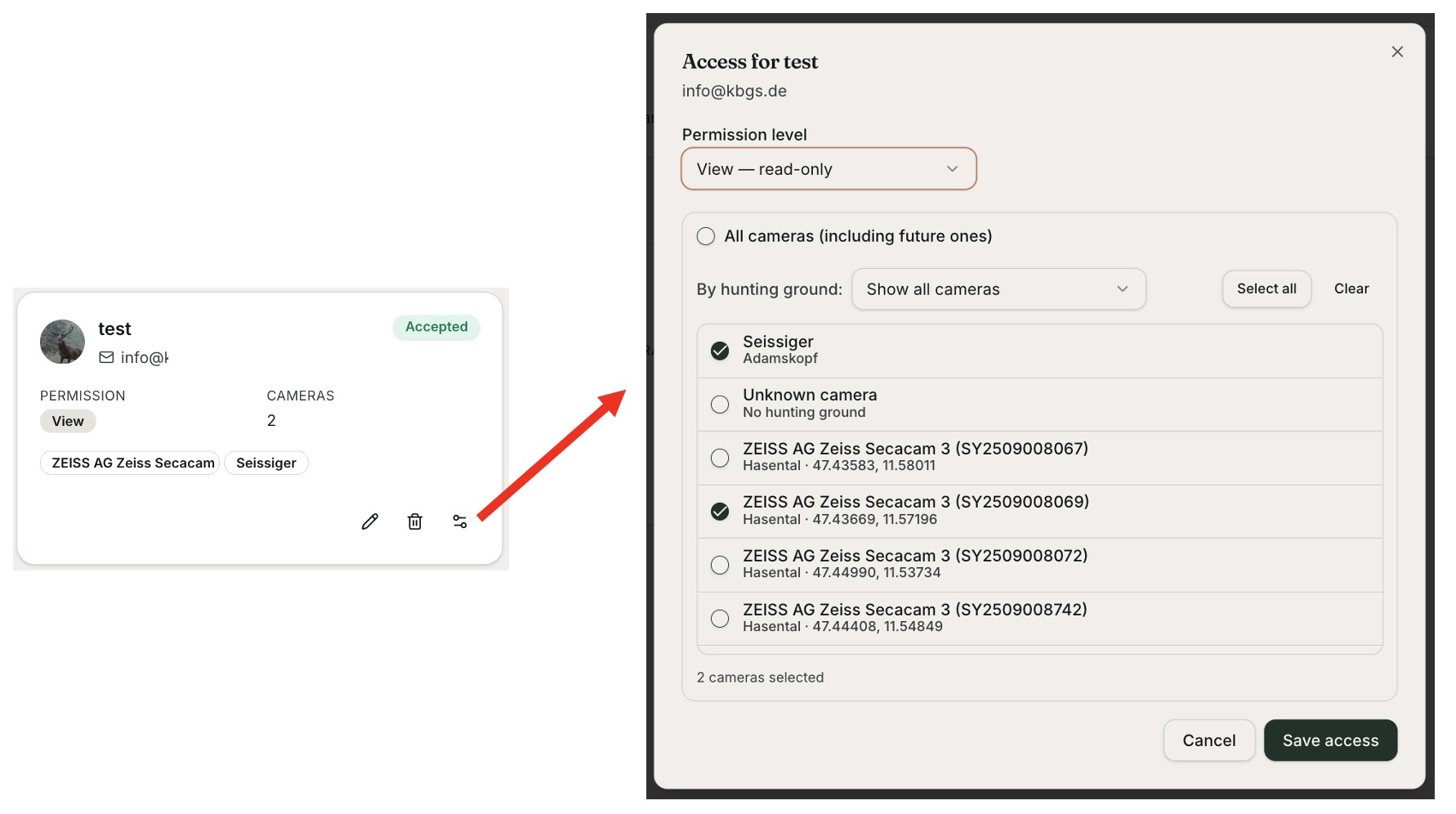
Once you've invited someone to your team, the invitation will show up in your account. Click the manage access control icon to set the permissions for that person:
Permission level: Read (default), Edit, or Delete
Shared cameras: all cameras, all cameras from a defined hunting ground, or individual cameras
Once you've set the access, click Save. You can change this at any time.
IMPORTANT: You can mark any of your photos as private. A private photo stays private and is never shared — no matter which access rights you've granted.
24 views
Is this article helpful?