
How can i teach TrailCamHub which species to expect for my cameras?
When you set a camera's region, TrailCamHub automatically loads the game species that occur there and hands you the list. From there you tailor it: remove species you'll never see at your spot, add any unusual ones manually, and mark the ones you consider most likely.
You can set a default list in Settings that applies to all your cameras, then fine-tune it for any individual camera — useful when your cameras sit in different regions or very different spots. That list then guides recognition: species on it are reported as-is, results that fall outside it are flagged for a second look, and the ones you marked "most likely" act as a tie-breaker when the AI is unsure between similar animals.
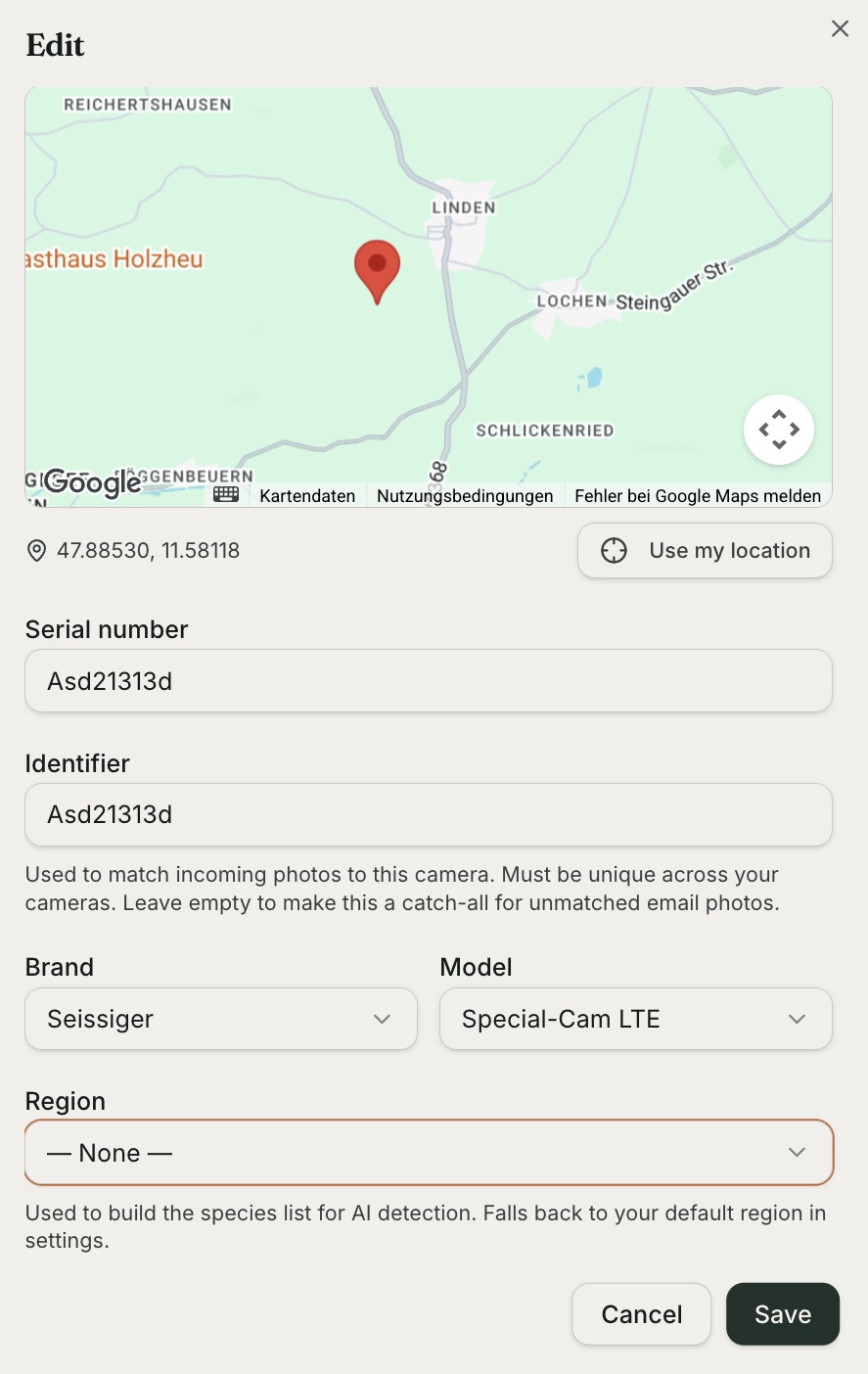
Trail camera edit form to set location and camera's region:
War dieser Artikel hilfreich?