
Getting started
6 - Manage your trail cameras, photos and videos
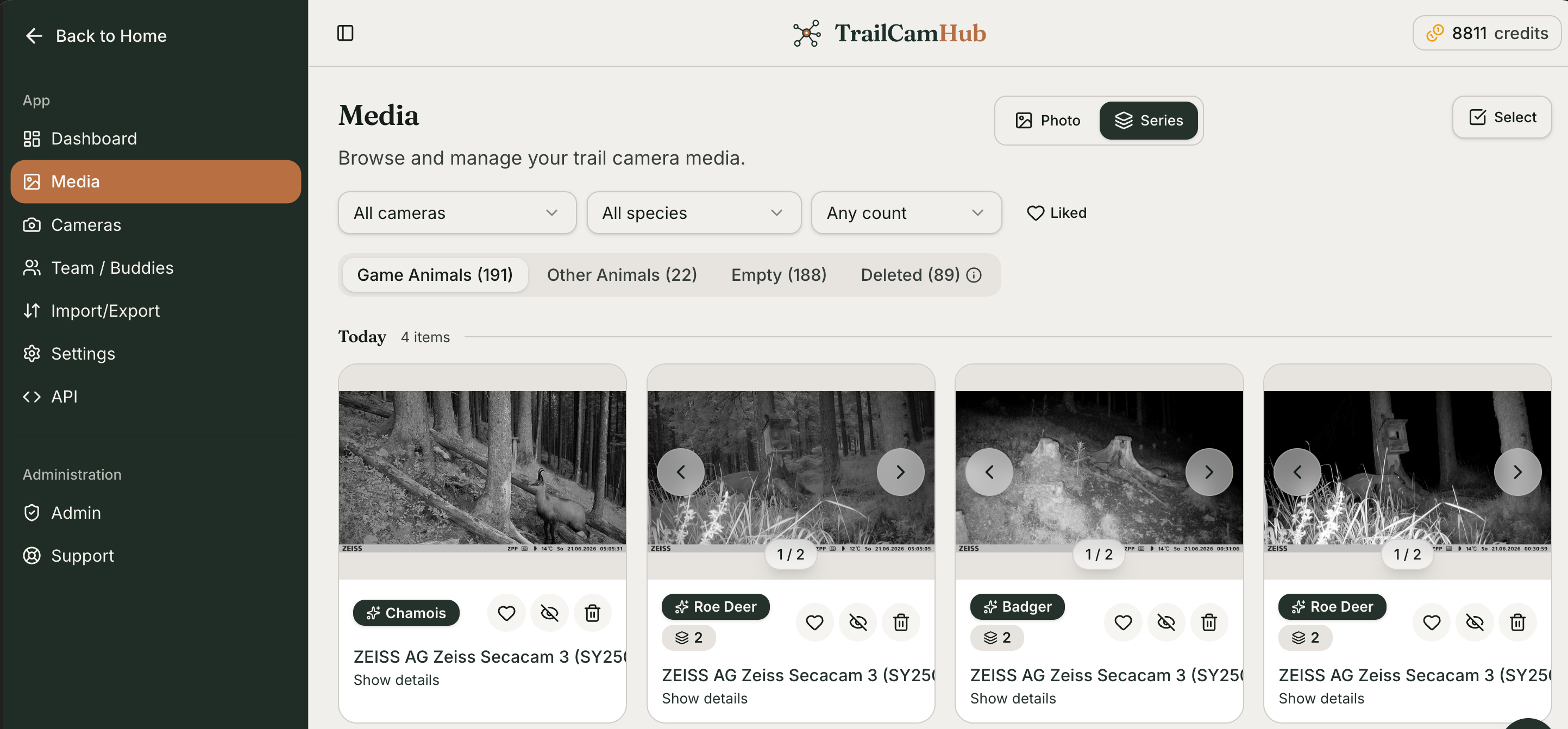
Once you've connected your first camera and started receiving photos or videos, you can manage them under Media — as long as they're your own images, or someone has shared their photos and cameras with you and given you edit/delete rights. There you can:
move between folders and tabs
correct the animal and antler detection
confirm or decline items flagged for review
mark a photo as private
like a photo
delete items
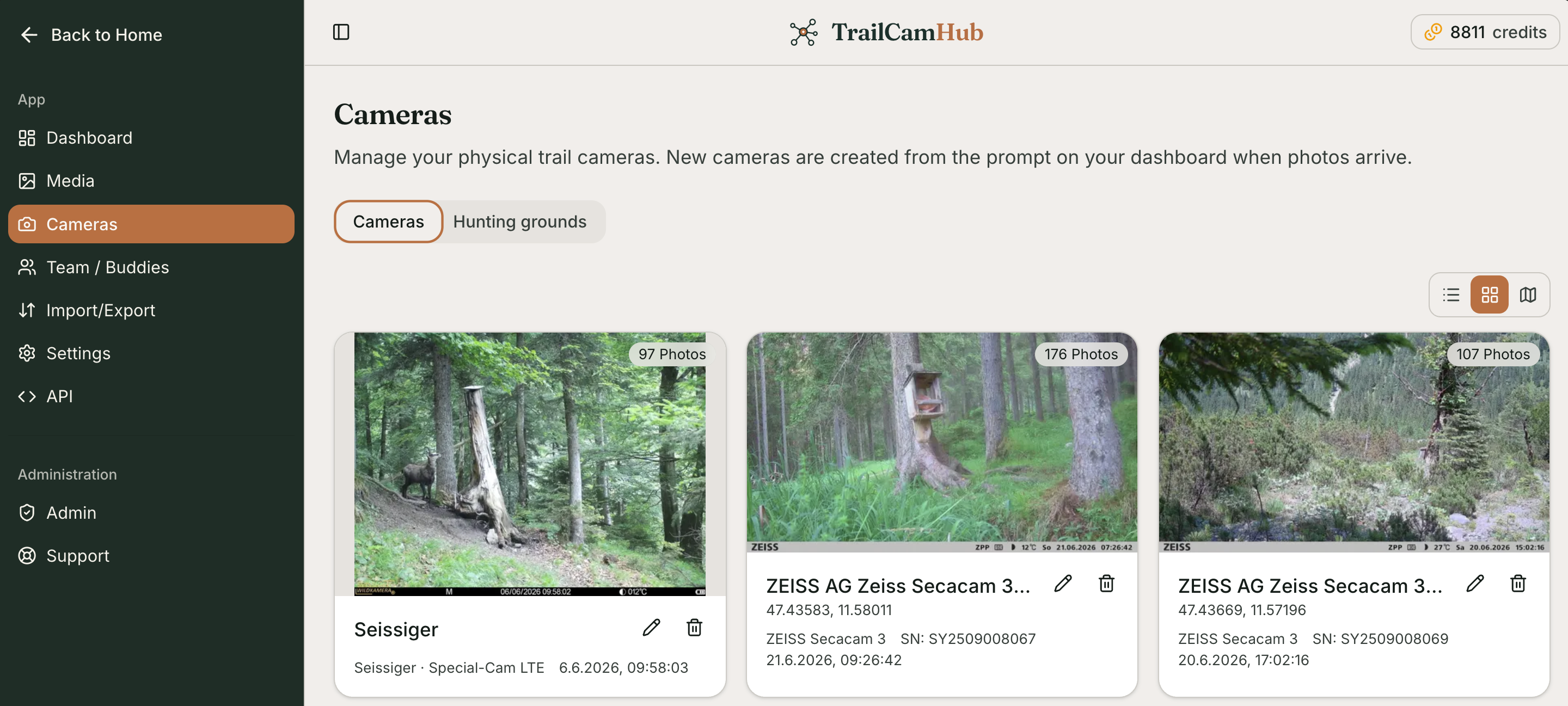
You can also manage your cameras and view each camera's statistics and details under Cameras. From there you can define hunting grounds, link cameras to a hunting ground, and then share all the cameras in a hunting ground with others at once.
30 views
Is this article helpful?